Built for iPad, works on your phone · for black-and-grey tattooers

Consult to stencil, in your hand.

All in one place. Record the consult and the references and prompts gather themselves while you talk. Place the design on the client, turn it into a stencil, print it true to size.

Get started

Start on your phone — you're straight into the studio. Same account on your iPad.

Your hand, not the machine's.

Give it ten to twenty of your own finished pieces and it builds a profile of how you draw — rendering, density, linework, the way you handle black. Every design after that is drawn in your line. Your work is never shown to another user and never used to train anything.

One piece, start to stencil.

In the order you'd do it between two clients.

01 · Board

Build from your own references

Drop in photos, tag what each one is for, write the direction in plain words, pick the body part. The design is composed for that placement, not cropped into it afterwards.

02 · Push it

Say it in plain words

"Make the wing heavier." "Lose the mushrooms." Edit by describing the change. Move things without starting over — lasso a part, drag it, and it's redrawn clean in place.

03 · Stencil & print

Stencils that read on skin

Solid lines only where there's a real edge, with a weight hierarchy; dashed boundaries around the dark zones; stipple that maps the values. Rendered at 4K — what illustrative work needs, and what realism lives or dies on — then printed at true size.

Circle where it goes.

A fresh piece, or a cover-up.

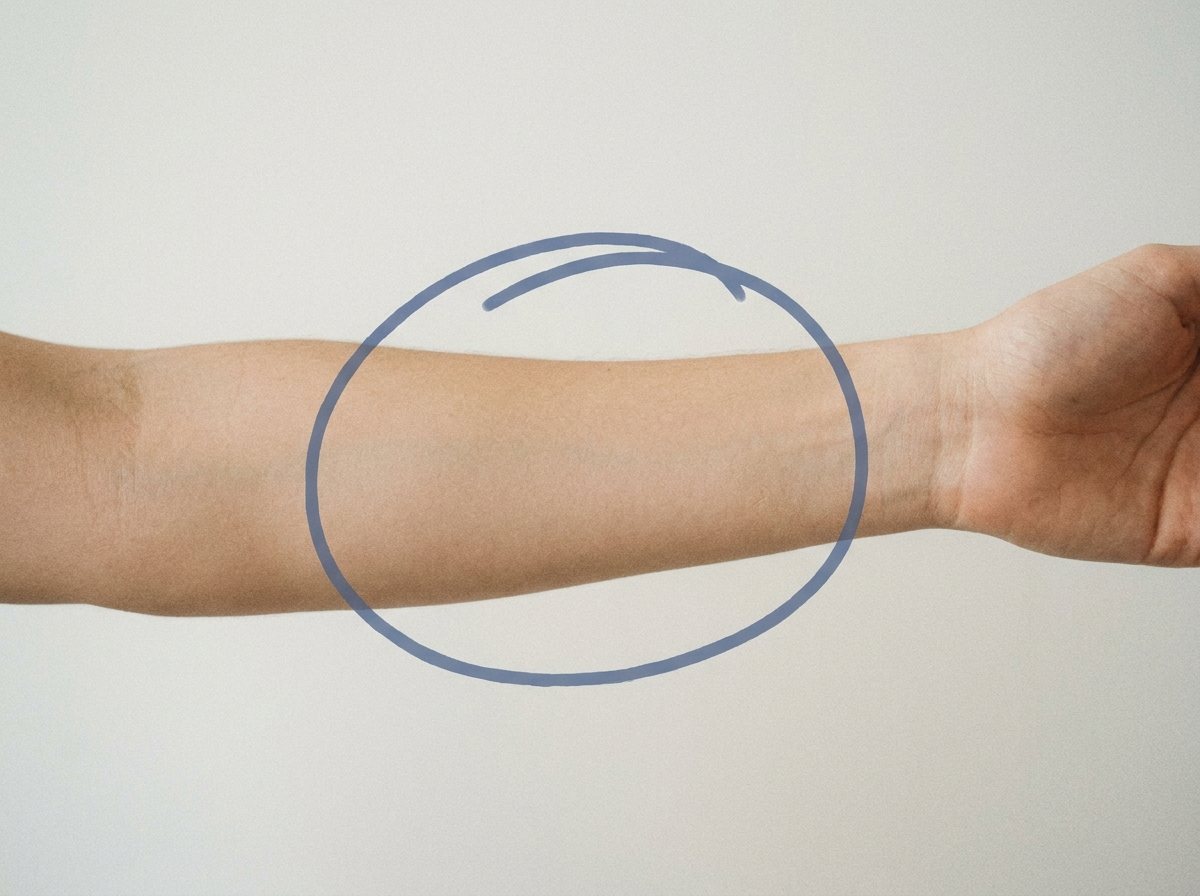
Upload the client's photo and circle the area you're going to tattoo. The design is composed for that shape and those proportions. For a cover-up, circle the old tattoo instead: the studio finds the ink inside the circle and reads how dark it is, then reworks any design you point at it so its heaviest black lands on the old ink — keeping as much of the design's own character as it can. Every result is laid over the photo, so you choose from what it would actually look like.

a forearm with the tattoo area circled

The rest of the job.

Print

Print at true size

Set the real size in millimetres, drag the design across up to sixteen sheets, mirror it for the transfer, save the PDF. Reprint the identical size next sitting.

Clients

File it under the client

One folder per client: the boards you saved, the consults, every design. Generating with a client selected files the results under them.

Consults

The consult writes itself

Press record at the station. The conversation is transcribed as it happens, and while you are still talking the studio pulls reference photos and drafts prompts from what is being said. By the time the client stands up there is a board and a list of prompts ready to run.

Straight answers.

Do I own what it makes?

Yes — tattoo it, sell it, publish it. One honest caveat, in the Terms too: no AI tool can promise a design is unlike anything that already exists, so review your work before it goes on skin.

Does it work on iPad? On my phone?

It's built for iPad, and it works on your phone too — one account, both devices. Open it in Safari, tap Share, then Add to Home Screen, and it runs like an app — full screen, no browser bars.

Is my client's photo safe?

Client photos are stored privately, visible only to your signed-in account, and deleted automatically after 90 days. No admin screen can open one, and cover-up and on-body previews are left out of the operator view too, because those are drawn on your client's skin. We never train on your work.

What if a generation fails?

Your credits come back automatically. You're charged for work delivered.

Start your next piece.

Get started

Start on your phone — you're straight into the studio. Same account on your iPad.